Yes My Dear声声应 How it works怎么用
Get the app下载 App

Say it once.
See it done.
一声轻唤,
一声回应。

Love without hesitation: you ask, I reply, it’s done. Yes My Dear holds the space for every single “I’m right here”. 爱是有回音的。
你轻轻一提,我稳稳接住。

Get it on下载应用,请到Google Play Coming soon即将推出iPhone versioniPhone 版

Free免费English & 中文中文和英文

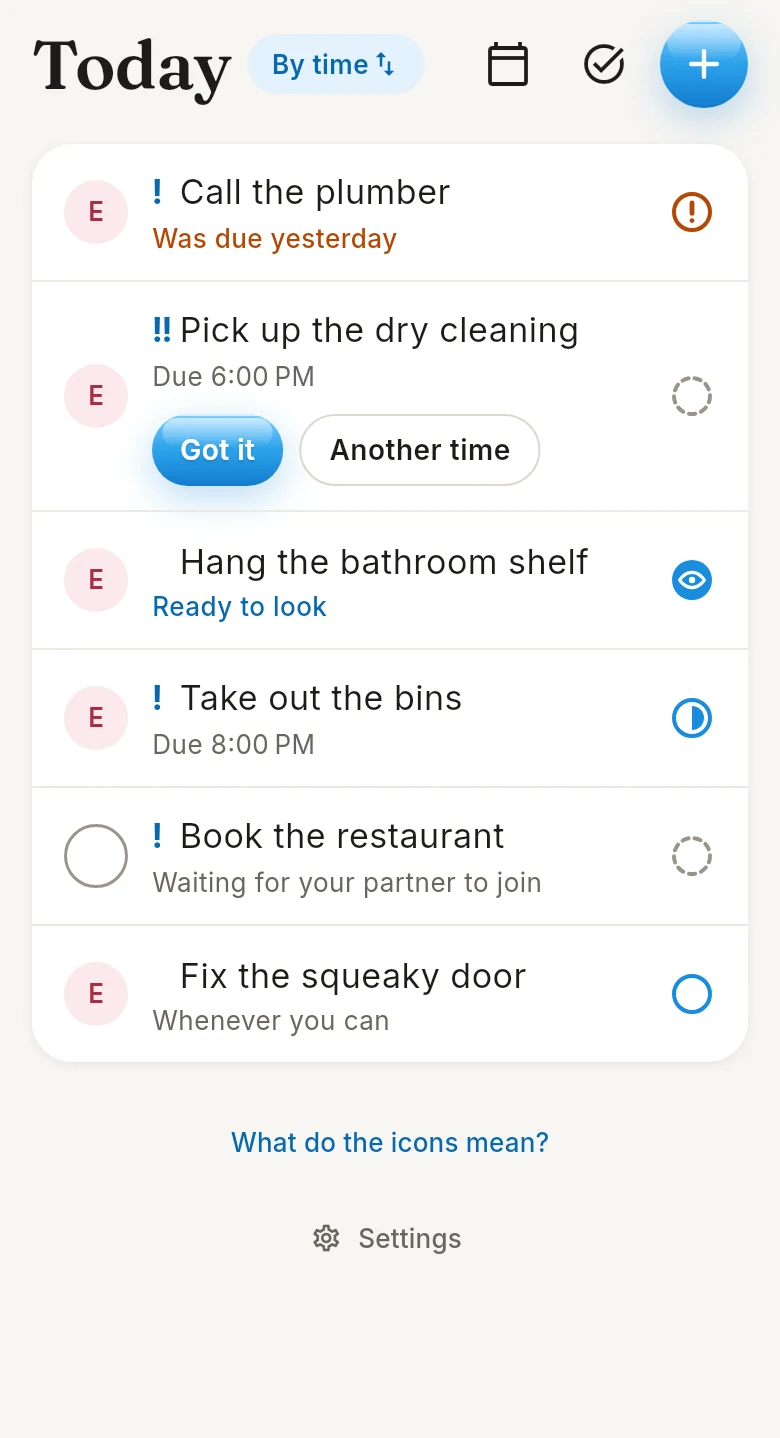
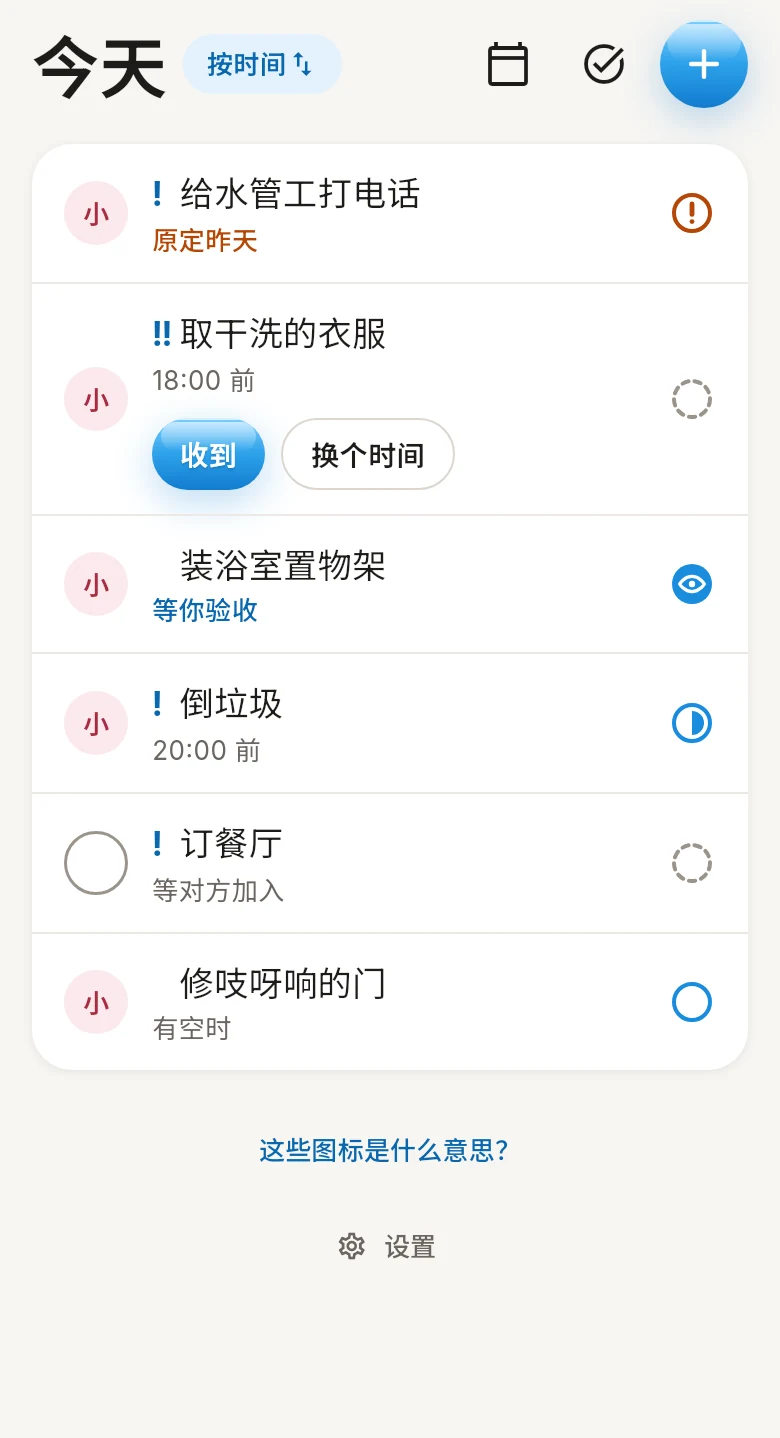
The Today screen: six tasks from Emma, one waiting for Got it 「今天」页面:小雨发来的六件事,其中一件等你点「收到」

One of you forgets. One of you won’t interrupt.一个怕忘,一个怕扰。

For the one who means to给想做却总忘的那位

“I fully intend to do it. Then the kettle boils, and the intention goes with the steam.”「不是不想做。水一开,念头就跟着蒸汽飘走了。」

Every ask waits on your Today list, and a reminder taps your shoulder at the right hour. Twice at most, because you meant well.每件事都在你的「今天」里等着,到点轻轻拍一下你的肩。最多两次,毕竟你本来就想做。
For the one who thought of it给想到了却不想打扰的那位

“Ideas arrive at the worst moments: in the middle of their call, or just as they finally fell asleep on the couch.”「主意总在最不巧的时候冒出来:对方正在开会,或者刚在沙发上睡着。」

Write it down now and let it wait. They’ll see it when they look up, and tap Got it when they’re ready.现在就写下来,让它等着。对方抬头时会看到,准备好了再点「收到」。

From “can you…” to “thank you” in four steps.从「帮我……」到「谢谢你」,四步就够。

Every task carries the same story from start to finish, so nobody has to remember who said what.每件事从头到尾都记在一处,谁说过什么、做到哪一步,一目了然,不用再翻聊天记录。

  1. Ask clearly说清楚

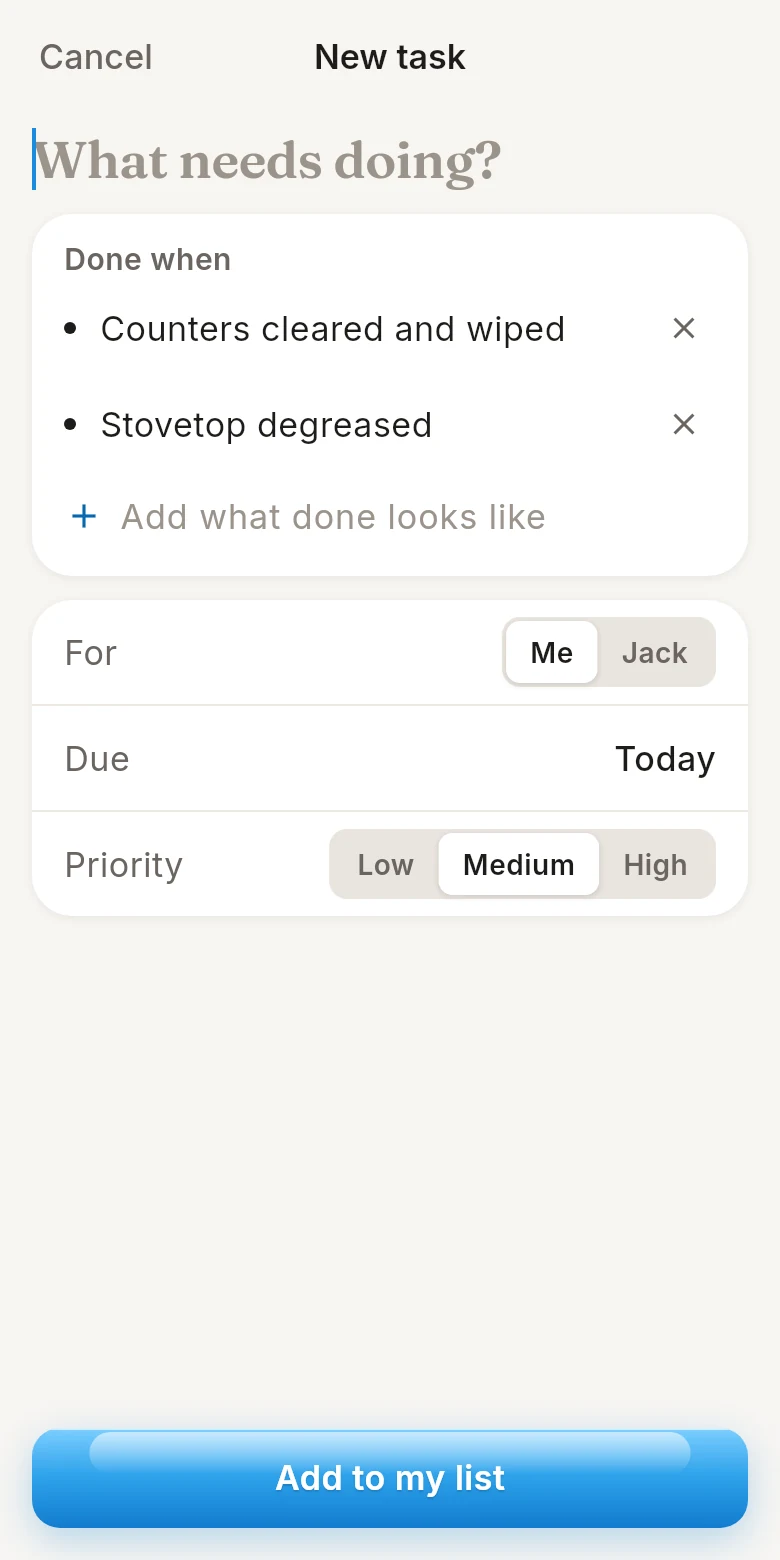
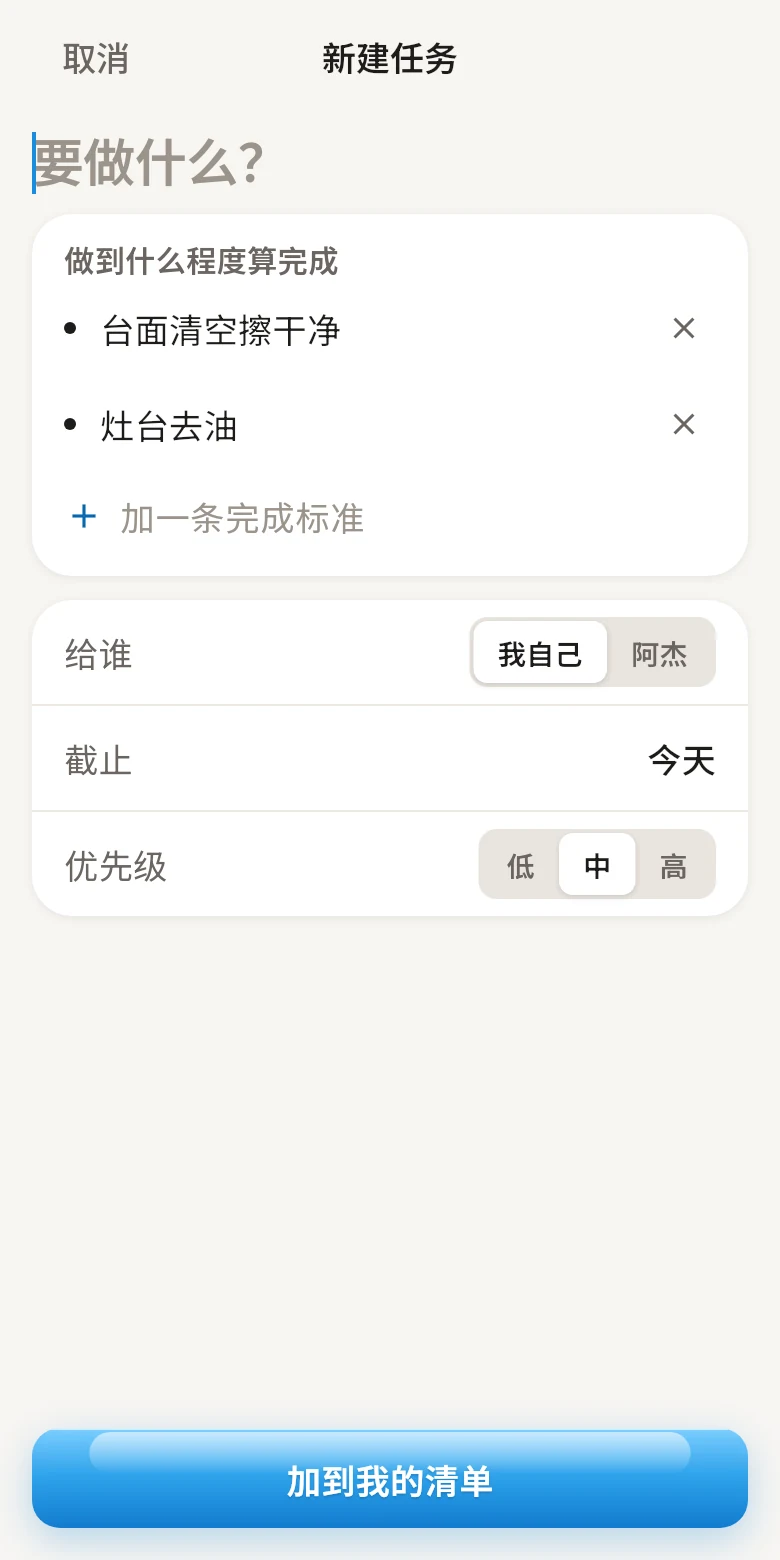
    One line is enough. Add what done looks like, a time and how much it matters when it helps.一句话就能发。需要时再写清做到什么算完成、什么时候要、有多重要。

    The New task screen with two Done when items 「新建任务」页面,写了两条完成标准
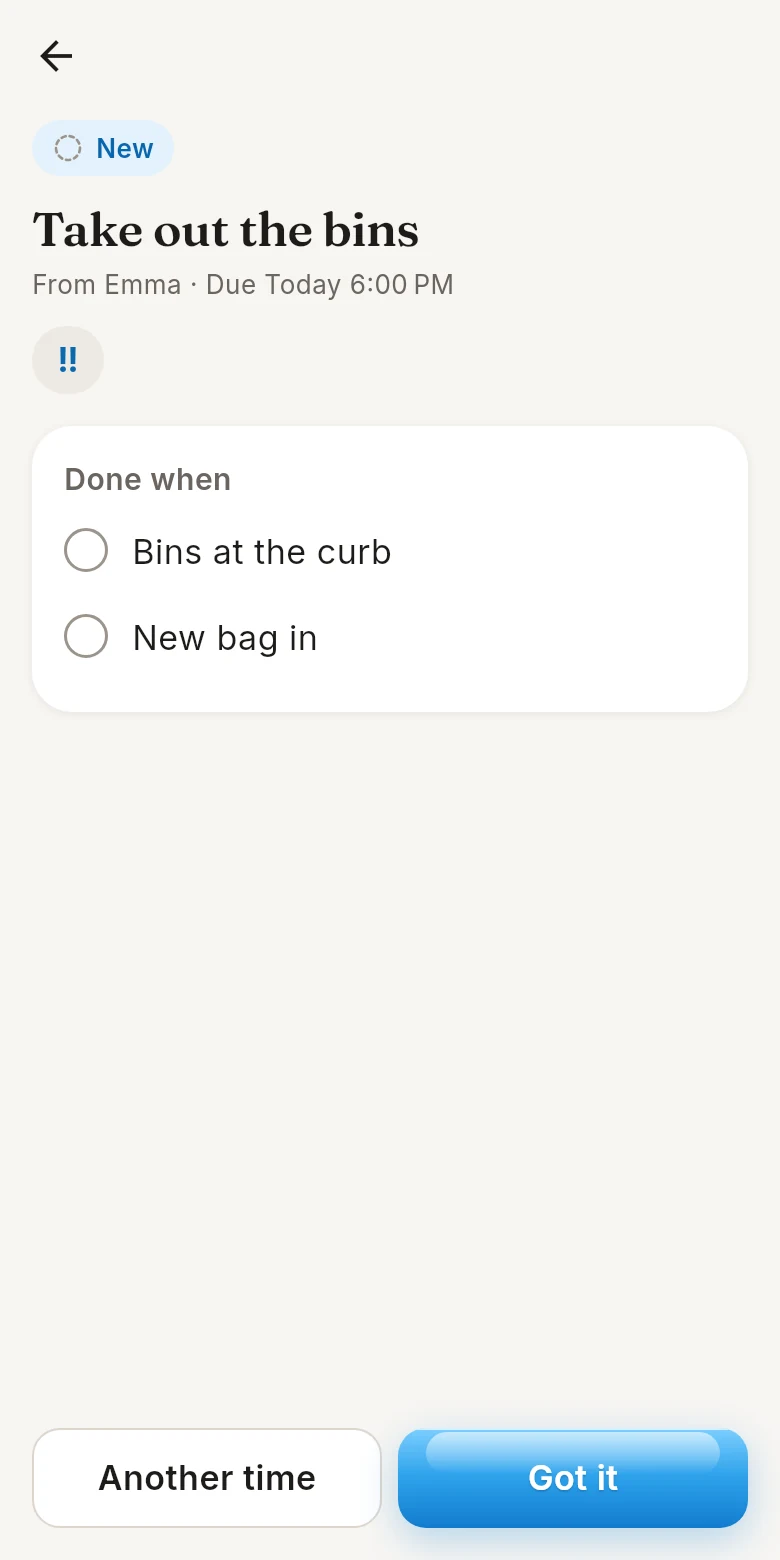
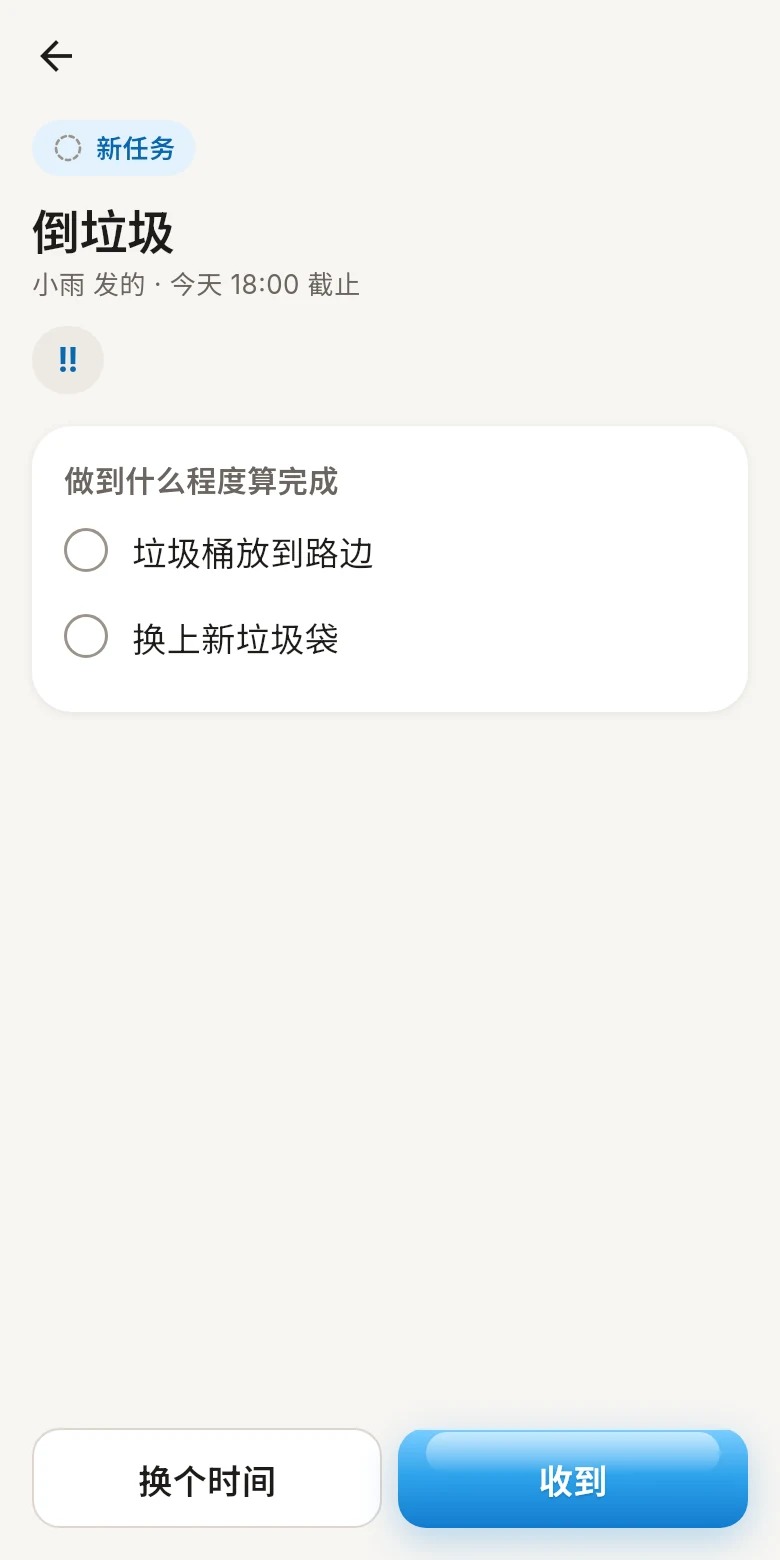
  2. “Got it”「收到」

    Your partner takes it on with one tap, or asks for another time. Then a reminder lands when it matters.对方点一下表示接下,或者提出换个时间。到点了,对方会收到提醒。

    A new task with the Got it and Another time buttons 新任务,下面是「换个时间」和「收到」
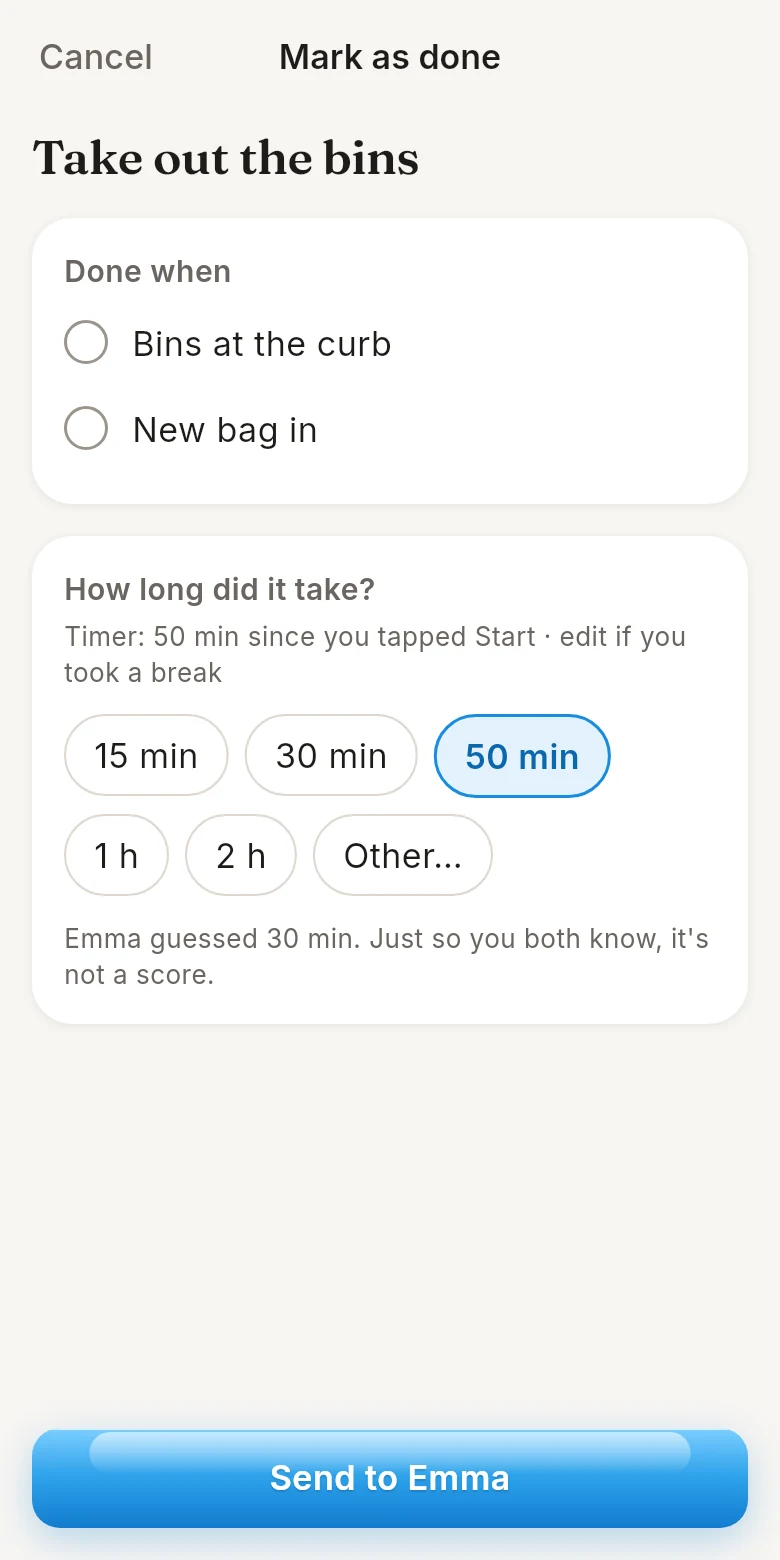
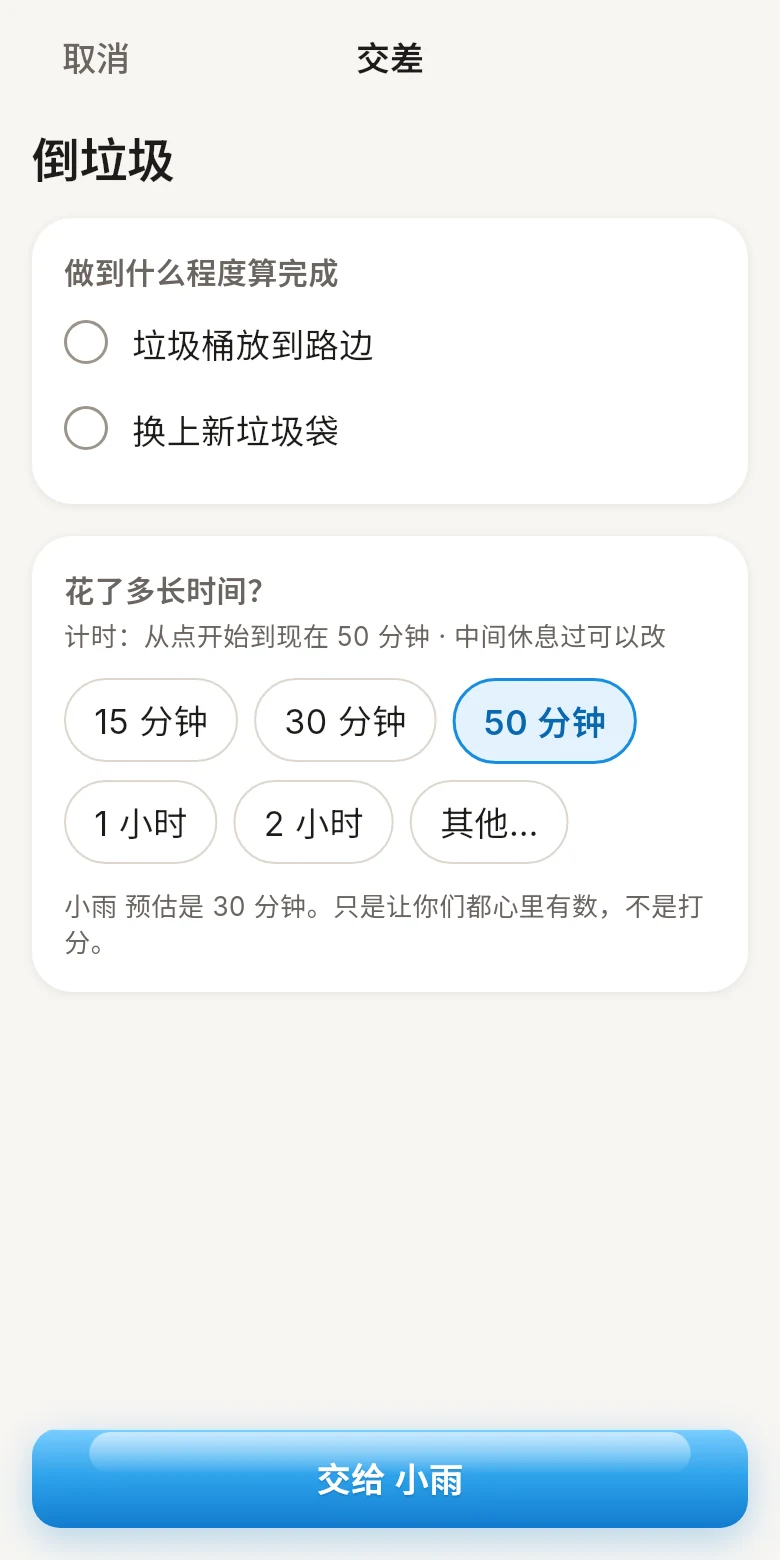
  3. Hand it in交差

    Tick each part, add a photo if you like, and send it back. Time taken is just for reference.逐项打勾,想的话拍张照,一起交回去。用了多久只做参考。

    The Mark as done screen with the time it took 「交差」页面,填了花了多长时间
  4. Say thanks说声谢谢

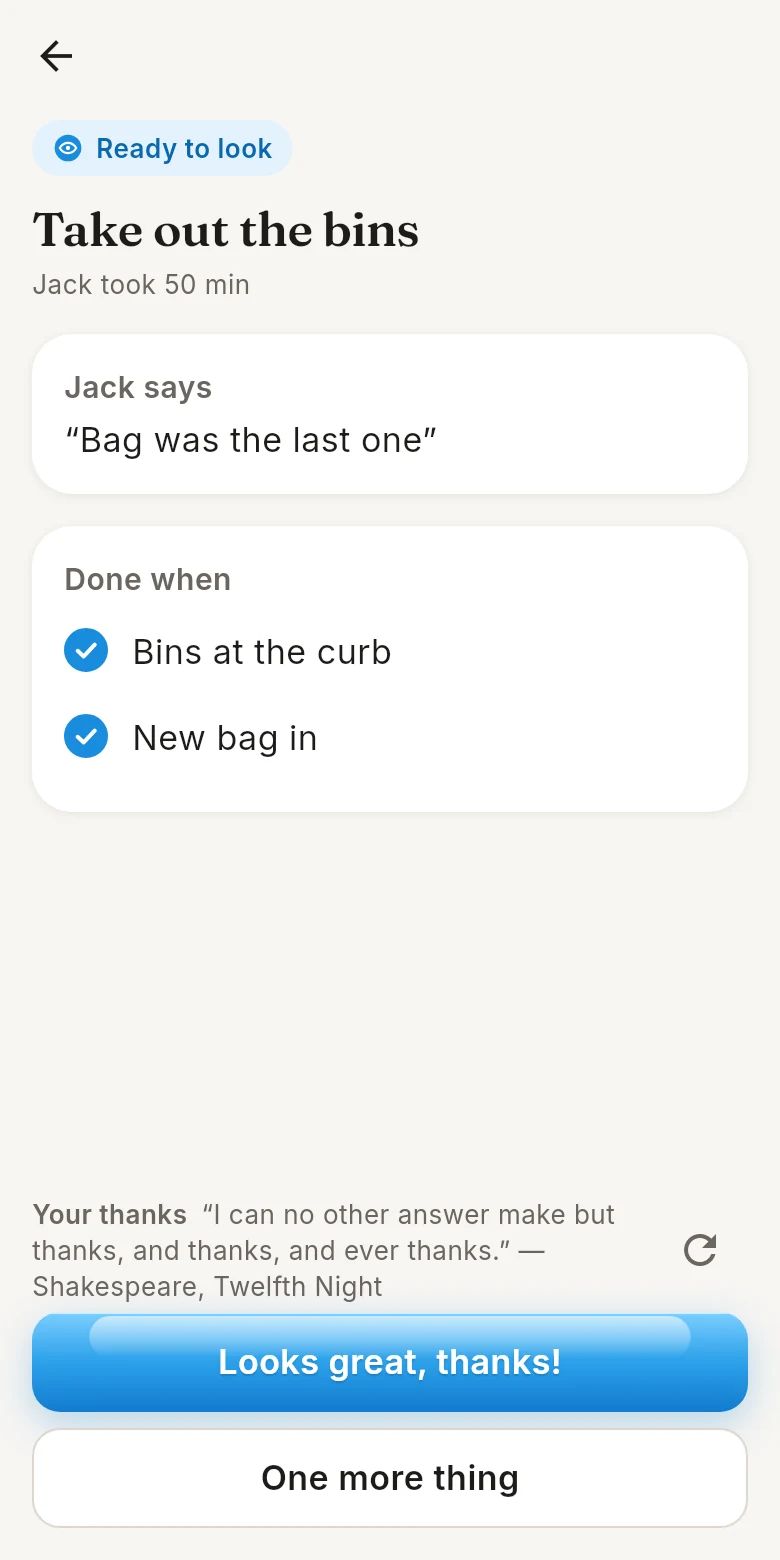
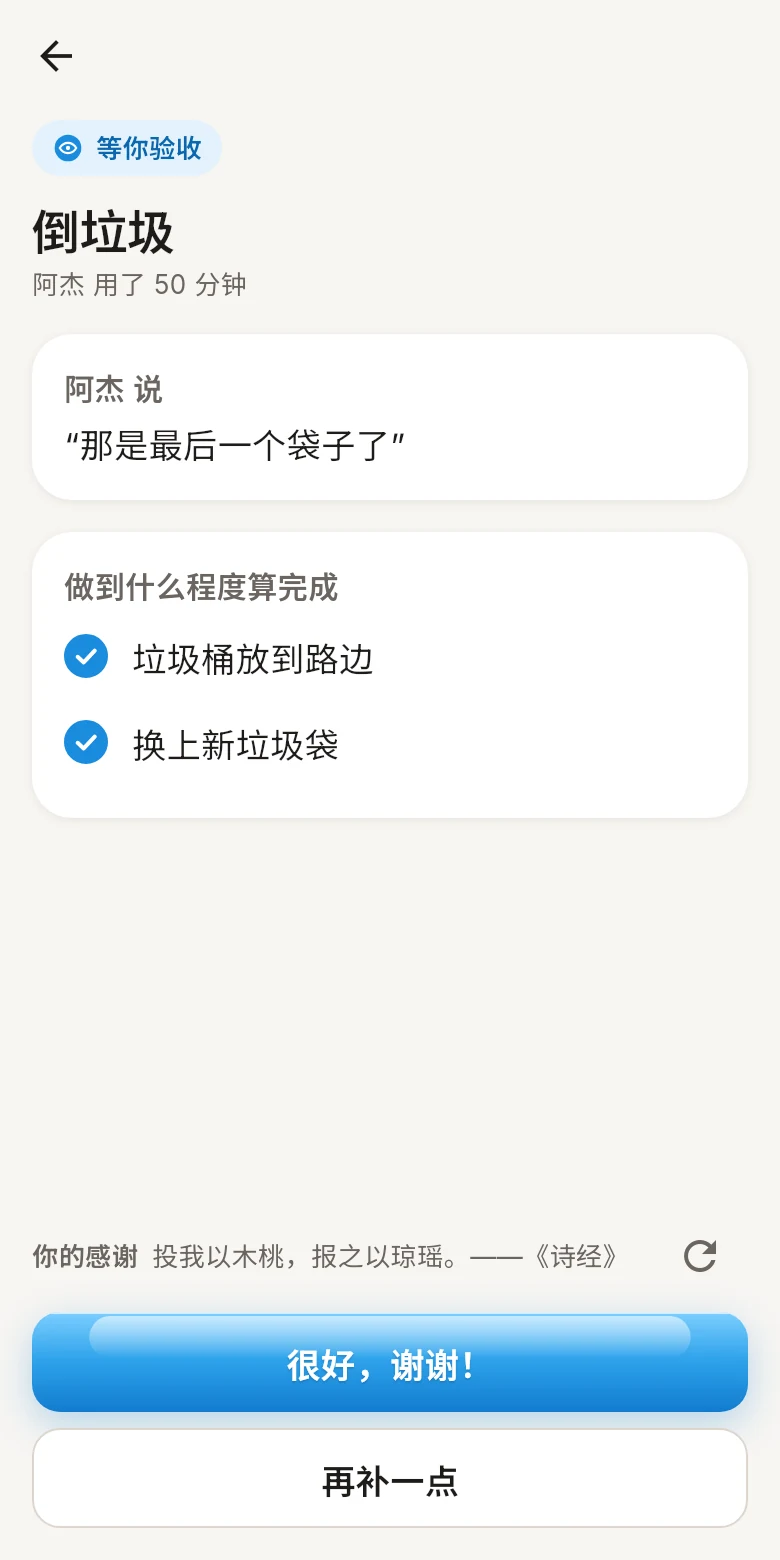
    Looks great? Done. Not quite? Tick what’s missing and send it back, without the argument.满意就完成;还差一点,就勾出哪里没做好、说一句,退回去接着做,不用吵。

    The review screen with Looks great, thanks 验收页面,按「很好,谢谢!」

Calm by design. Clear at a glance.安静克制,一眼就懂。

Today, for both of you两个人看同一个「今天」

What’s due, what’s overdue and what’s waiting on you, each with one small icon. Both home screens are exactly the same: either of you can send a task.今天要做的、过期的、等你处理的,每件事一个小图标就说明白。两个人的首页完全一样,谁都可以发任务。

  • New新任务
  • Got it已收到
  • On it进行中
  • Ready to look等你验收
  • One more thing再补一点
  • Done完成

A chat for every task每件事都有自己的对话

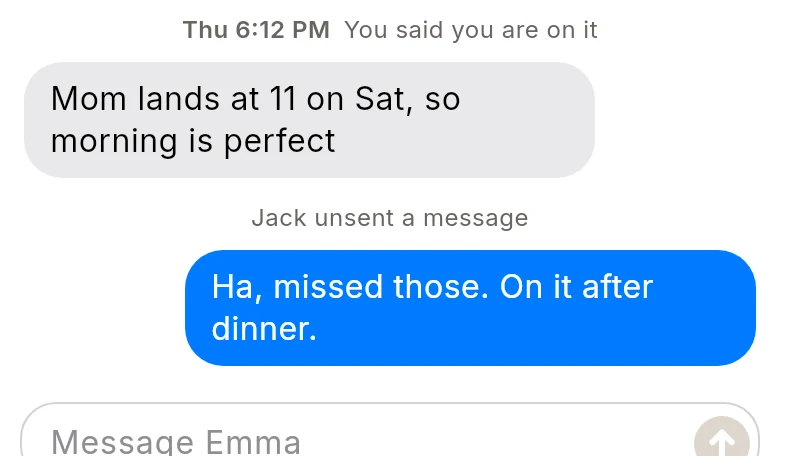
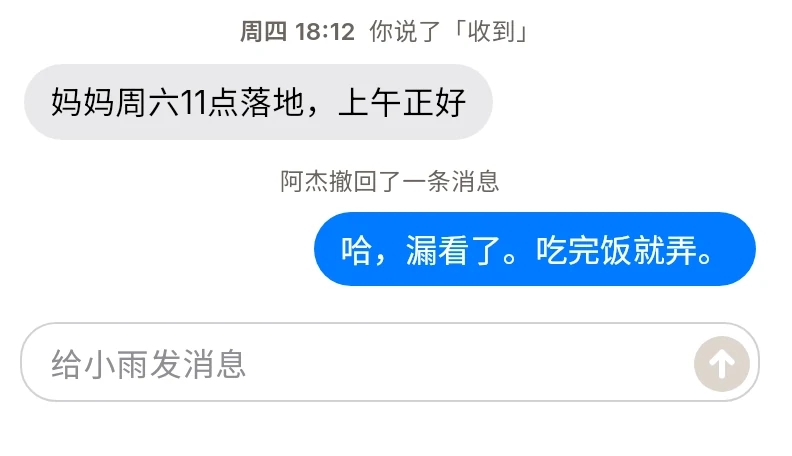
Questions and photos stay with the task they belong to, not lost in your family group chat.问题和照片都跟着这件事走,不会淹没在家庭群里。

A task conversation between Emma and Jack 小雨和阿杰在任务里的对话

Reminders that know when to stop提醒,但不唠叨

At most two nudges per task, a morning summary, and quiet hours. Privacy mode keeps task names off the lock screen.每件事最多提醒两次,早上一条当天汇总,夜里免打扰。隐私模式下锁屏不显示任务内容。

Morning summary早间汇总
8:00
Water the plants给花浇水
19:00
Quiet hours免打扰
22:00 to 7:3022:00 至 7:30

Repeating chores定期家务

Set it once and it shows up on the right day.设一次,到日子自动出现。

Bins倒垃圾
every Tue每周二
Plants浇花
every 3 days每 3 天
Rent交房租
the 1st每月 1 号

Start before they join对方没加入也能先用

Share a six-character code or link. Tasks you send wait and arrive the moment your partner joins.分享 6 位邀请码或链接。先发的任务会等着,对方一加入就收到。

K7PQ4M

A helping hand, not a watchful eye.是帮手,不是监工。

Yes My Dear is for adults who share a home. Nothing reports on anyone behind their back.声声应给同住的成年人用。没有任何功能会在背后报告对方的动向。

“Got it”, not “Seen”只有「收到」,没有「已读」
Your partner says when they take it on.接不接、什么时候接,由对方自己说。
No location, no online status不看位置,不显示在线
Where someone is stays their business.人在哪里,是自己的事。
Time is a hint, not a score时间只是参考,不是打分
No ratings, no leaderboards.没有评分,没有排行。
Your data, your call数据由你做主
Delete your account any time, in the app or on the web.随时可以在 App 里或网页上删除账号。

Happy wife,
happy life.
家里事,
说清楚就好办。

Less nagging, clearer asks, and a thank-you at the end of every task.少一点催促,多一点清楚,每件事最后都有一句谢谢。

Get it on下载应用,请到Google Play Coming soon即将推出iPhone versioniPhone 版
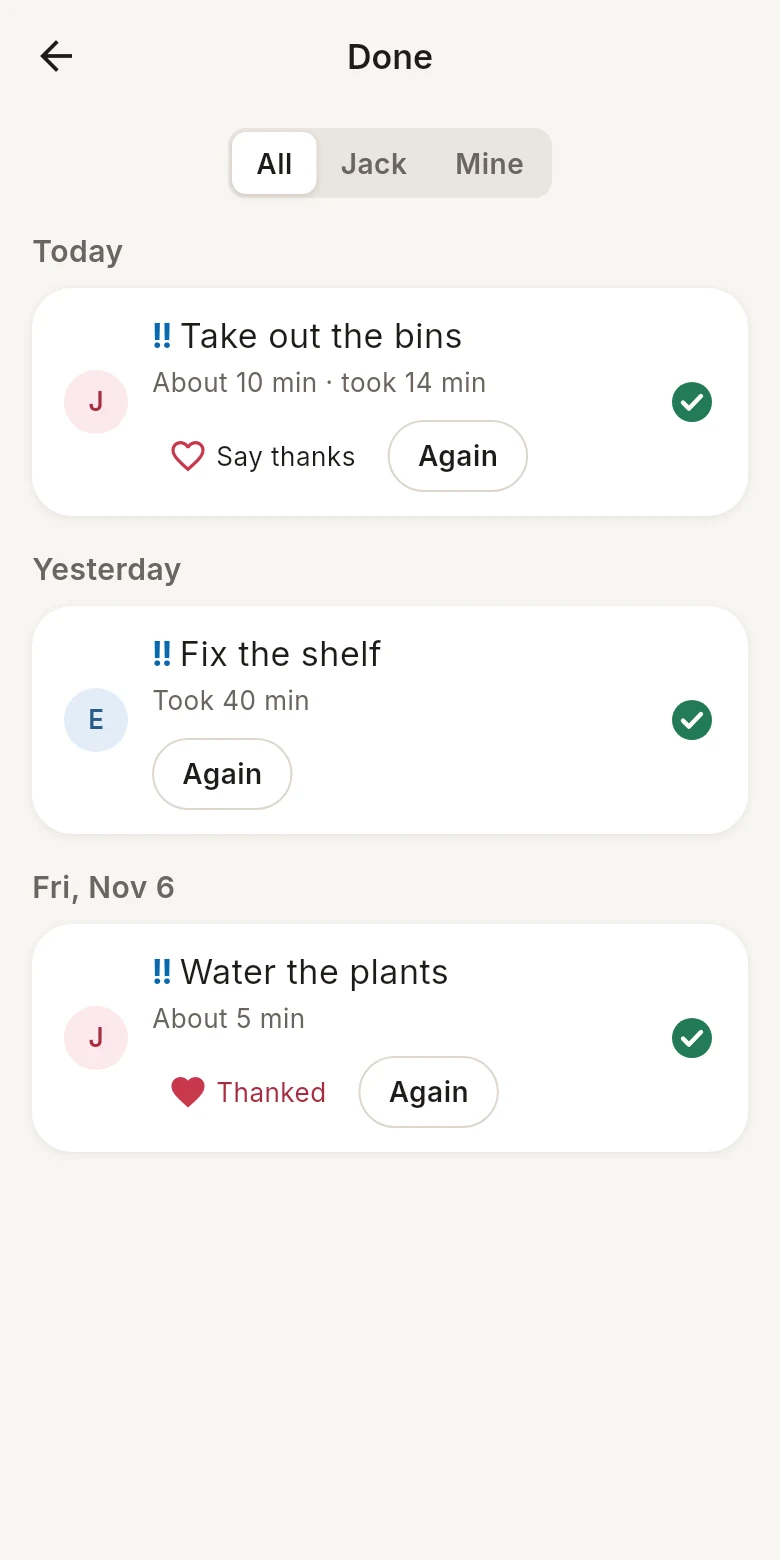
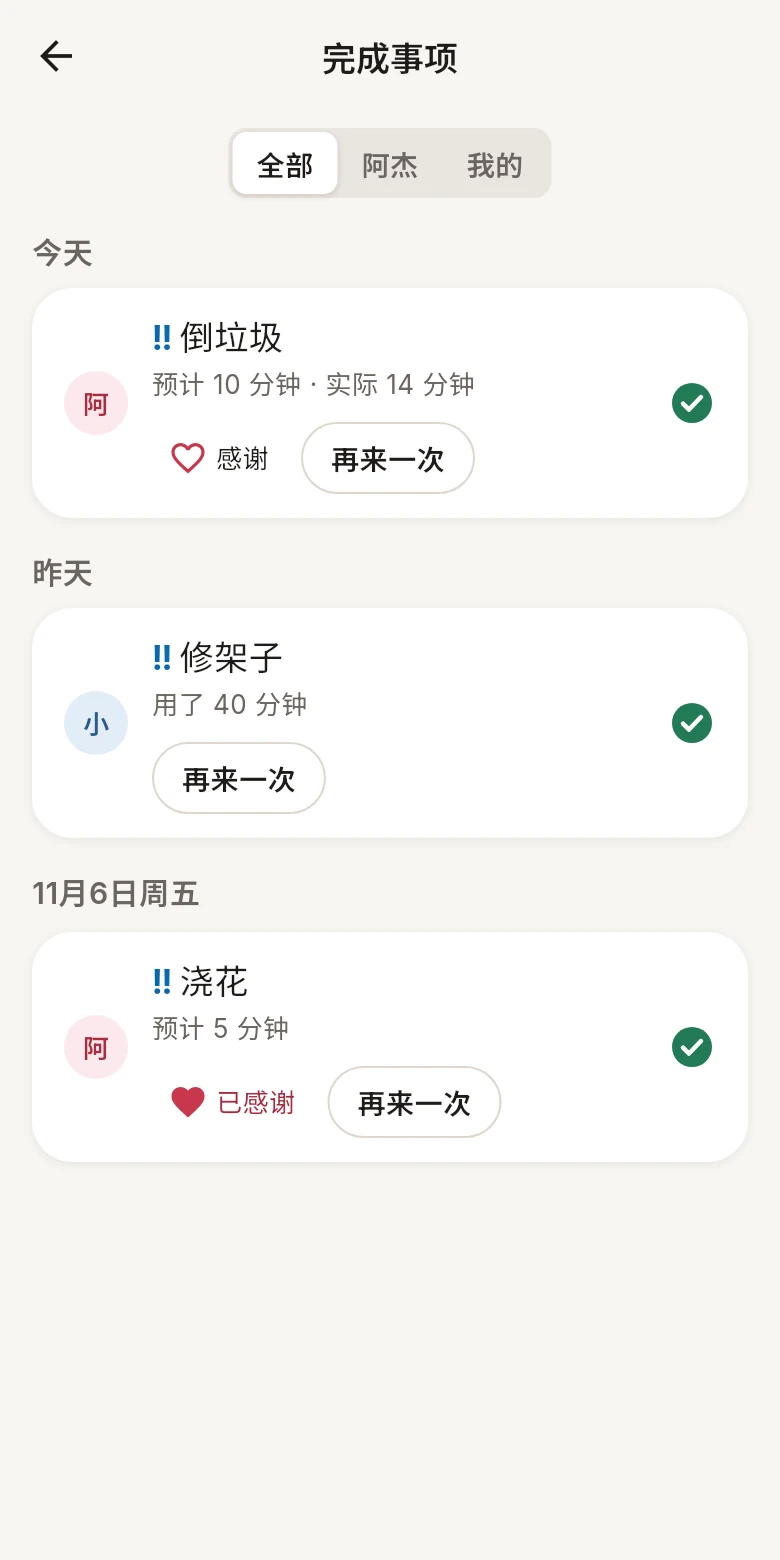
The Done list, grouped by day, with thanks sent 「完成事项」按天分组,附上已发的感谢